This Kobo Libra Color review comes from someone who has been using eReaders for years—and that experience really matters here.
I’ve been using an older Kindle Paperwhite for a long time. It still works perfectly fine, but compared to newer devices, it definitely feels heavier and a bit dated.
| GET THE BEST METHODS How to get free coins on Webtoon: Legitimate ways to earn, save, and maximize |
I’m also someone who reads both on eReaders, mobile phones, and physical books, so I’m very used to switching between formats and noticing the small differences in comfort.
That said, the biggest philosophical difference is this: Kindle is a closed system, while Kobo is more open. Transferring your own files is much easier here, even if you’re still using Kobo’s store for books and manga.
Kobo Libra Color review: Display and reading experience
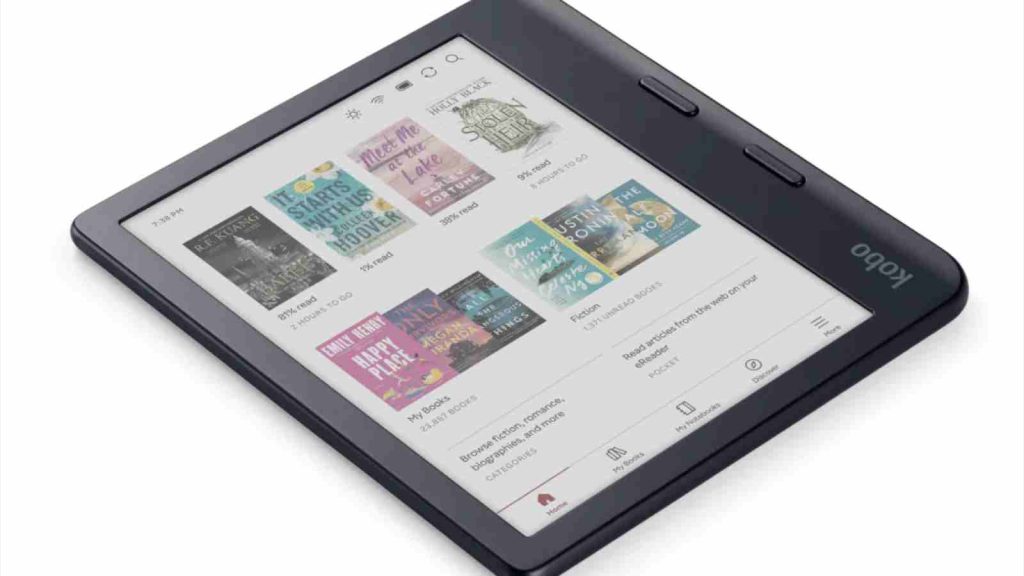
The color display is the headline feature, but what stands out more is how comfortable it feels to read on.
It’s not the kind of color you’d expect from a tablet. Instead, everything looks softer and more muted, which actually works in its favor. The screen feels natural, almost like paper, and it’s incredibly easy on the eyes even during long reading sessions—a very relaxed reading experience that you settle into without thinking.
It’s hard to describe precisely besides simply saying it feels “comfortable”—perhaps of a feeling of warmth, coziness, and ease combined.
Ease also extends to its battery life. Kobo claims up to around 40 days on a single charge with light use. In practice, it lasts anywhere from several days to a few weeks depending on usage. Either way, it’s not something you’ll find yourself constantly charging—it just quietly keeps up with your reading.
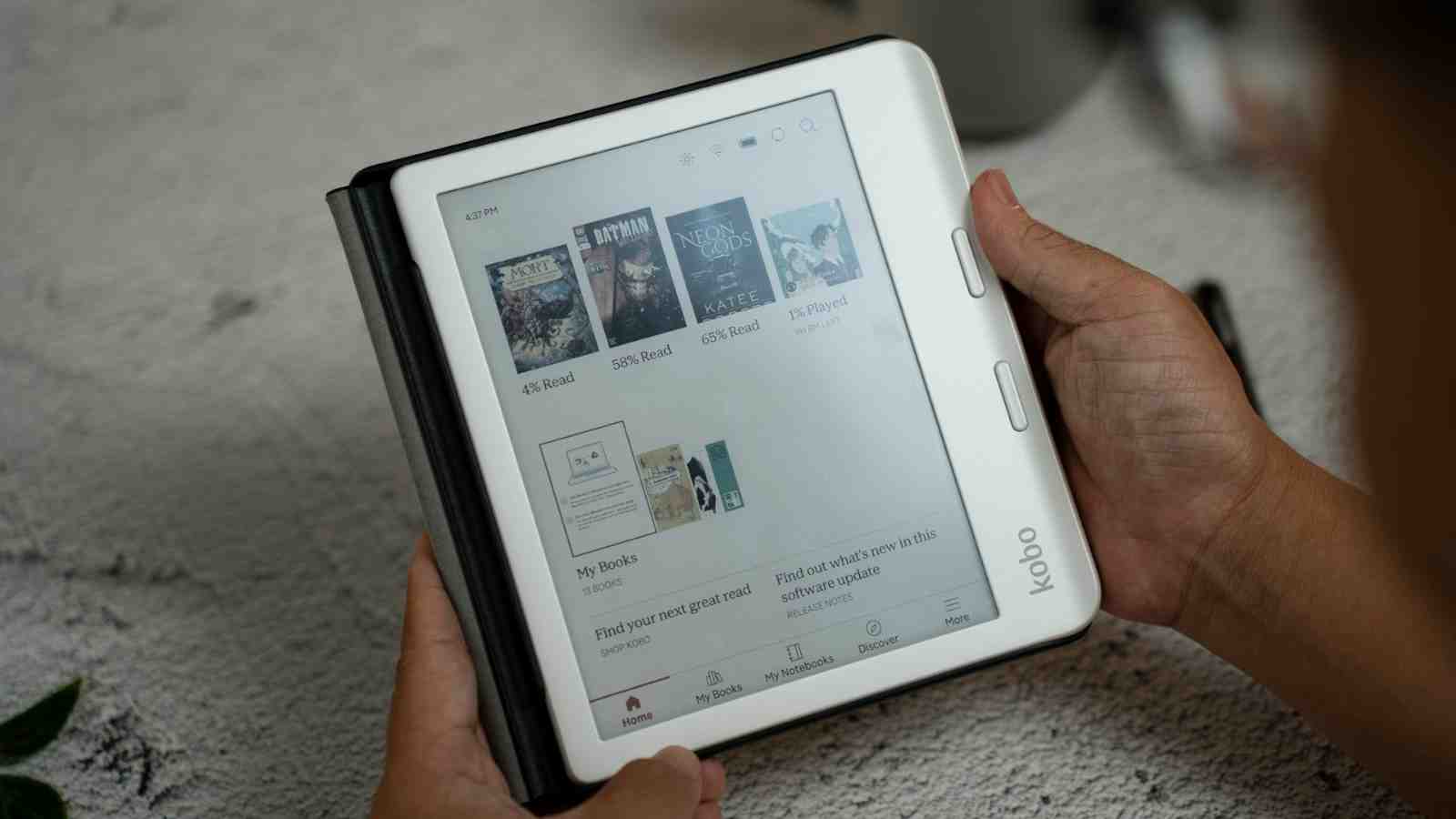
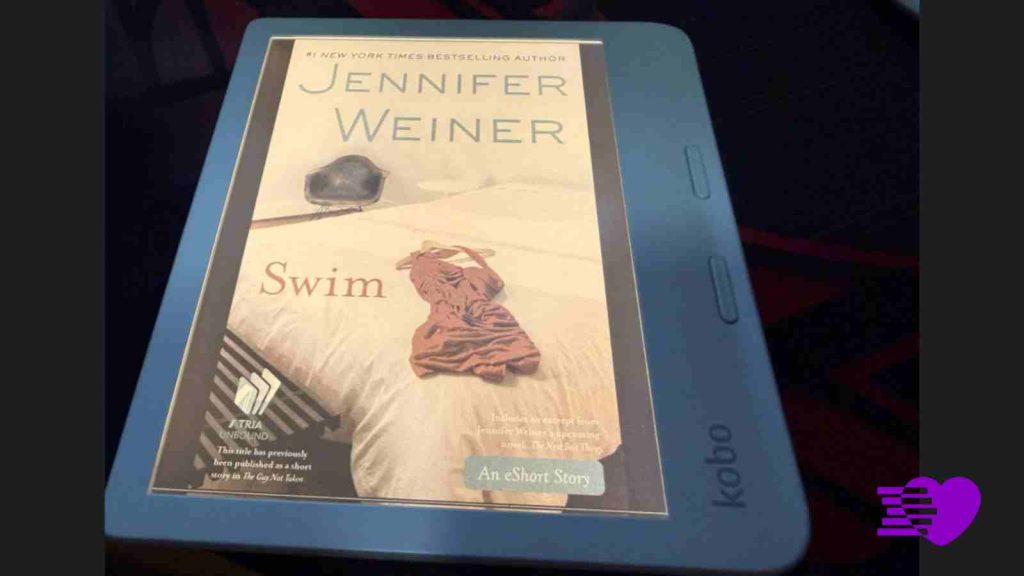
A small detail I really appreciate is the Kobo Libra Color’s screensaver. It displays the cover of the book you’re currently reading, which makes the device feel a bit more personal and also lets you instantly remember where you left off.
Design and weight of the Kobo Libra Color
This is easily the best part of the Kobo Libra Color. At around 199 grams, it’s noticeably lighter than older Kindle Paperwhite models, which tend to sit above 200 grams depending on the version.
On paper that difference doesn’t sound huge, but in daily use, it really is.
| YOU MUST READ THESE TITLES The 5 best Boys Love manga on Kobo that deserve a spot in your library |
The device feels light, balanced, and very easy to hold for long periods. It’s also compact enough that you can just throw it into your bag and (almost) forget it’s there. Reading in bed at night is a breeze—unlike holding a thick 500-page novel, which can feel like a workout before you even start reading. Honestly compared to my Kindle, which always makes its weight known, this feels almost weightless.
The overall ergonomics are just right. Everything from the grip to the physical feel makes it a device you actually want to pick up and use, and it’s no surprise that so many people seem to be switching to it.
My expereince using the Kobo Stylus 2
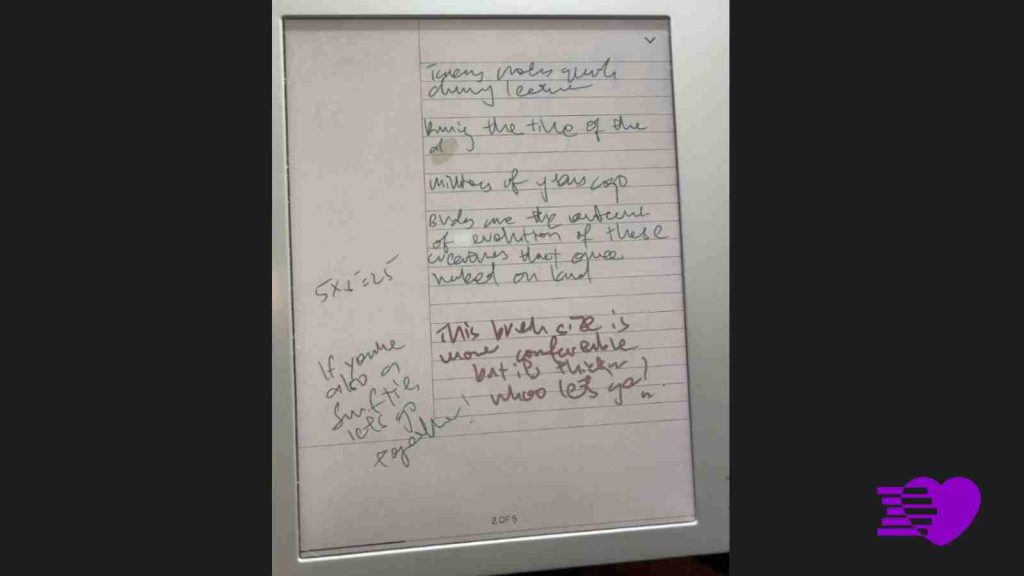
The Kobo Stylus 2 adds another layer to the device, but whether it’s essential really depends on how you plan to use it.
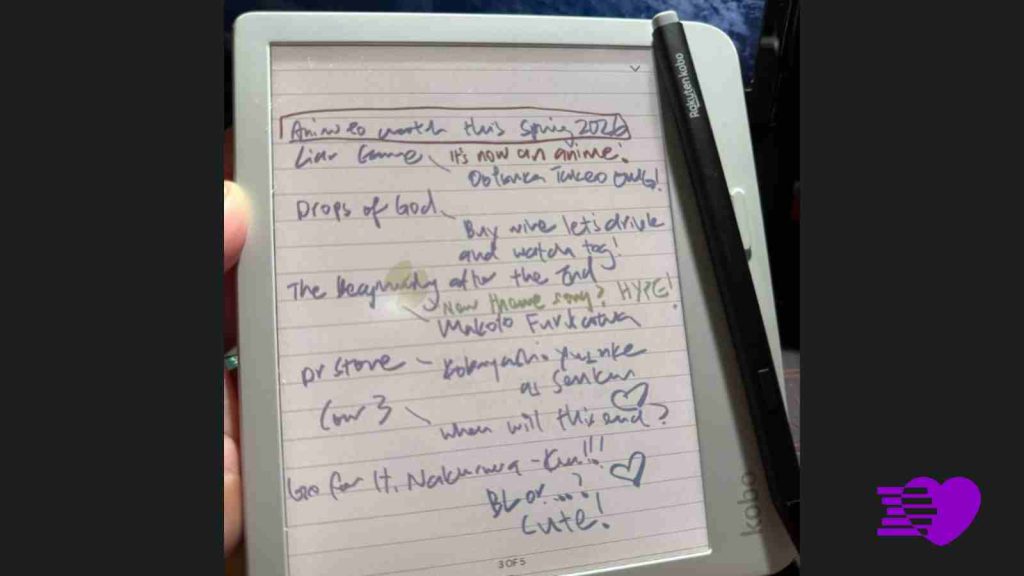
In terms of design, it’s thin, light, and very easy to handle. Charging is simple via USB-C, and there’s no power button to worry about—it’s always ready as long as it has battery.
| KNOW BEFORE YOU BUY Manhwa vs manga: What’s the difference? A guide to history, art, and reading style |
It also magnetically attaches to the side of the Kobo, which makes it convenient to carry around, although you’ll probably still want a pouch if you’re putting it in your bag in case something lobs it off.
Using it feels responsive, especially for general writing and navigation. It feels comfortable to write on, especially when using a slightly thicker pen setting, and it works well for jotting down notes, making lists, or annotating text.
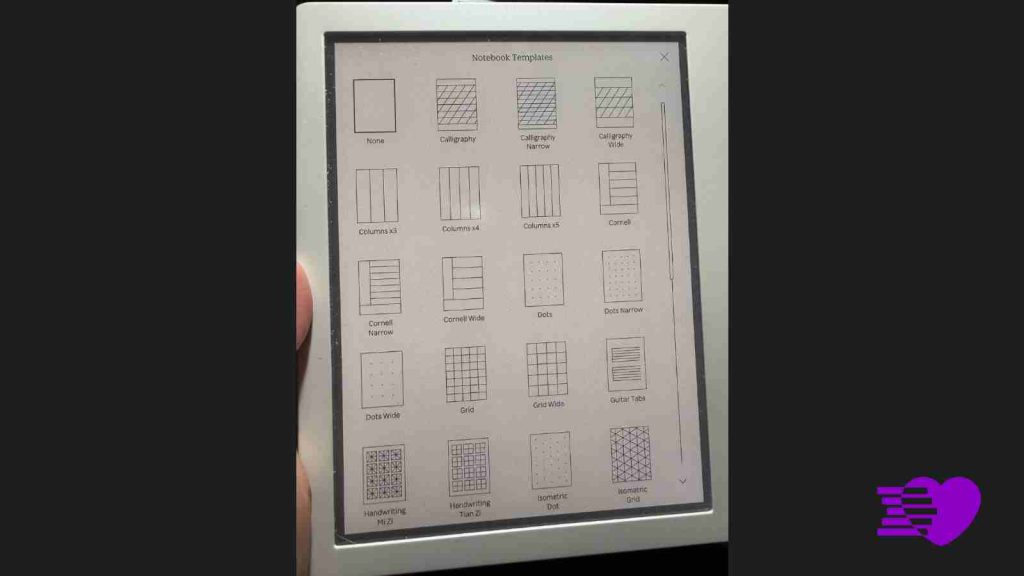
The built-in templates are also a nice touch, offering different formats like dots and lines depending on what you need.
For drawing, it works well for quick sketches and casual doodles—which is why it’s important to keep expectations realistic.
There are no layers, the color options are limited, and brush sizes are basic, so this isn’t a device for serious digital art. It’s much better suited for quick ideas or practice rather than anything detailed.
The eraser works, but it’s clearly more optimized for writing than drawing. When sketching, using the undo function is often more reliable than trying to erase precisely.

However, there are a couple of frustrations. The stylus button sits right where your fingers naturally rest, which makes it easy to press accidentally. This can switch tools mid-writing, especially when you’re moving quickly.
On top of that, if you don’t disable touch gestures, your palm can sometimes trigger page turns while you’re writing, which breaks the flow.
So while the stylus is very convenient, it’s not flawless, particularly for fast or heavy note-taking.
System and ecosystem
This is where Kobo really stands out: transferring files from your computer is extremely straightforward, and this alone makes a huge difference compared to Kindle.
EPUB files work without any hassle, and the entire process of loading and reading your own content feels seamless.
There’s also support for local library integration, which means you’re not locked into buying everything from the Kobo store.
That added flexibility makes the device much more versatile, especially if you already have your own collection of books or prefer sourcing content elsewhere.
The final verdict
Priced at S$339.90, the Kobo Libra Color sits in that slightly premium range for eReaders, especially once you factor in the Kobo Stylus 2 (S$99) as an additional cost.
That said, I do think it’s worth it for what you’re getting. The lightweight design, comfortable reading experience, color display, and open file support all add up to something that feels genuinely better to use day-to-day.

If you’re just looking for a basic reading device, there are cheaper options—but if you care about comfort, flexibility, and a more modern experience, this justifies the price.
The Kobo Libra Color, to me, is one of those devices that gets most things right in a way that actually matters.
| KOBO LIBRA COLOR REVIEW | SCORE |
| Display and reading experience | 9/10 |
| Design and build | 9/10 |
| Performance and battery | 8/10 |
| Features and ecosystem | 8/10 |
| Value for money | 8/10 |
| Overall | 8.4/10 |
The Kobo Stylus 2 is a useful addition, but it’s best seen as optional. It’s great for annotations, quick notes, and casual sketches, but not essential if your focus is purely on reading.
If you’re looking for a modern eReader that feels effortless to use and fits naturally into your daily routine, this is an easy recommendation.