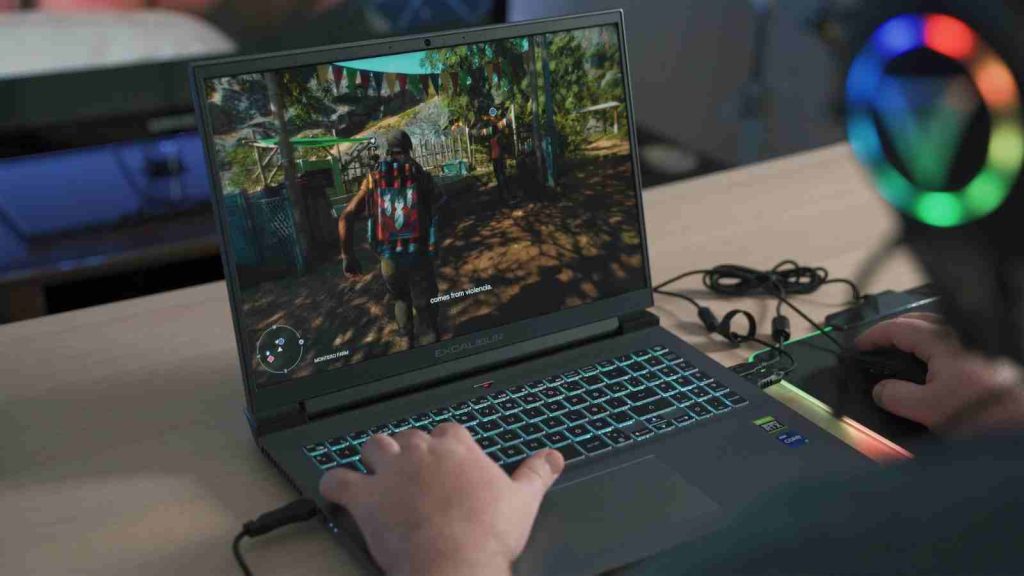
With the Windows Subsystem for Android (WSA) now discontinued, Android gaming on Windows—especially on Snapdragon-powered devices—has been left in an awkward spot.
NetEase Games aims to fill that gap with MuMuPlayer Windows, a native Android emulator developed in collaboration with Qualcomm Technologies, Inc., designed specifically for Windows on Snapdragon platforms.
Rather than relying on traditional x86-based emulation, MuMuPlayer Windows is built from the ground up for ARM, positioning itself as a performance-focused solution for mobile gamers using Snapdragon Windows PCs.
MuMuPlayer is built natively for Snapdragon, not adapted
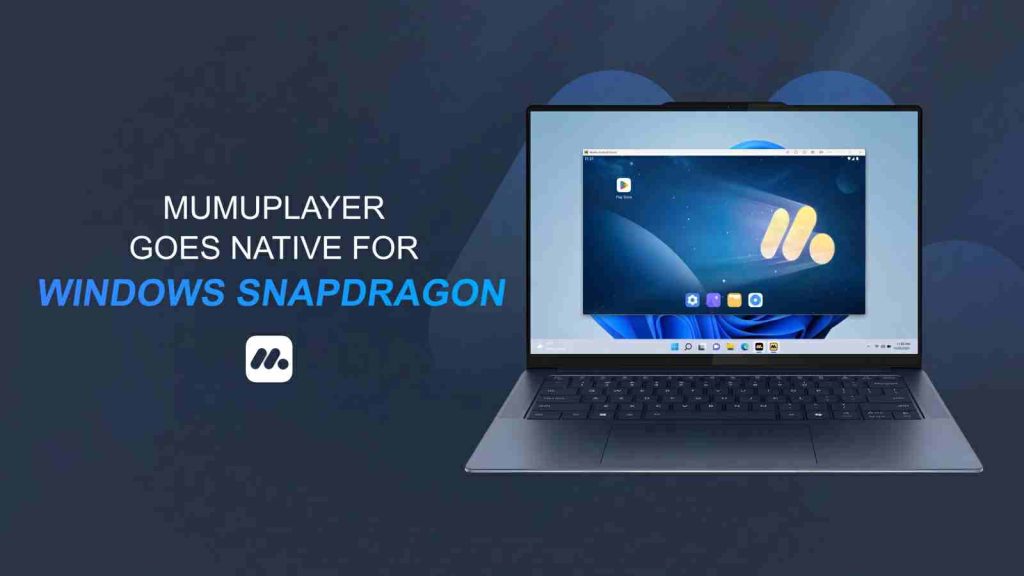
Unlike most Android emulators that were originally designed for x86 systems and later adapted for ARM, MuMuPlayer Windows is natively compatible with Windows on Snapdragon.
According to NetEase, this approach results in better efficiency, improved stability, and lower latency compared to emulators that depend on translation layers.
This native design is especially important for gaming, where inconsistent frame pacing and input delay can quickly ruin the experience.
High-FPS Android gaming with full PC controls
MuMuPlayer Windows is clearly targeting gamers first. Powered by NetEase’s proprietary graphics technology, the emulator supports high-definition visuals and frame rates of up to 240 FPS, depending on the game and hardware.
To bridge the gap between mobile and PC playstyles, MuMuPlayer includes:
- Official keyboard, mouse, and gamepad presets
- Full custom key mapping for precise control
- Low-latency input designed for competitive play

The result is a more traditional PC gaming feel for Android titles, particularly action and competitive games that benefit from higher frame rates and physical controls.
A post-WSA Android gaming solution for Snapdragon Windows
With Microsoft discontinuing the Windows Subsystem for Android, Snapdragon-powered Windows PCs have been left without a reliable way to run Android games and apps smoothly.
MuMuPlayer Windows steps into that gap as a gaming-first alternative, offering native ARM support and a desktop experience tailored specifically for Windows on Snapdragon.
Optimized for Snapdragon X Series and compatible with earlier Snapdragon-based Windows devices, MuMuPlayer Windows avoids the performance penalties of x86 emulation while delivering a clean, native interface built with WinUI 3.
Users can download the emulator, sign in to Google Play, and immediately access Android games with PC-style controls, high frame rates, and low-latency input.
For NetEase, this positions MuMuPlayer as a key platform for Android gaming on PC, while for Qualcomm, it helps reinforce Snapdragon Windows as a viable ecosystem for both gaming and app compatibility in a post-WSA landscape.