If you’re thinking about investing in an e-reader, you might be wondering: Can you download apps on Kobo Libra Color like you would on a tablet?
The Kobo Libra Colour has quickly become one of the most talked-about color eReaders on the market, especially among manga and light novel fans.
With its colour E Ink display, stylus support, and comfortable ergonomic design, it looks more advanced than a traditional black-and-white eReader. That naturally leads to one common question: can it function like a tablet when it comes to downloading apps?
Can you download apps on Kobo Libra Color, or is it locked down?
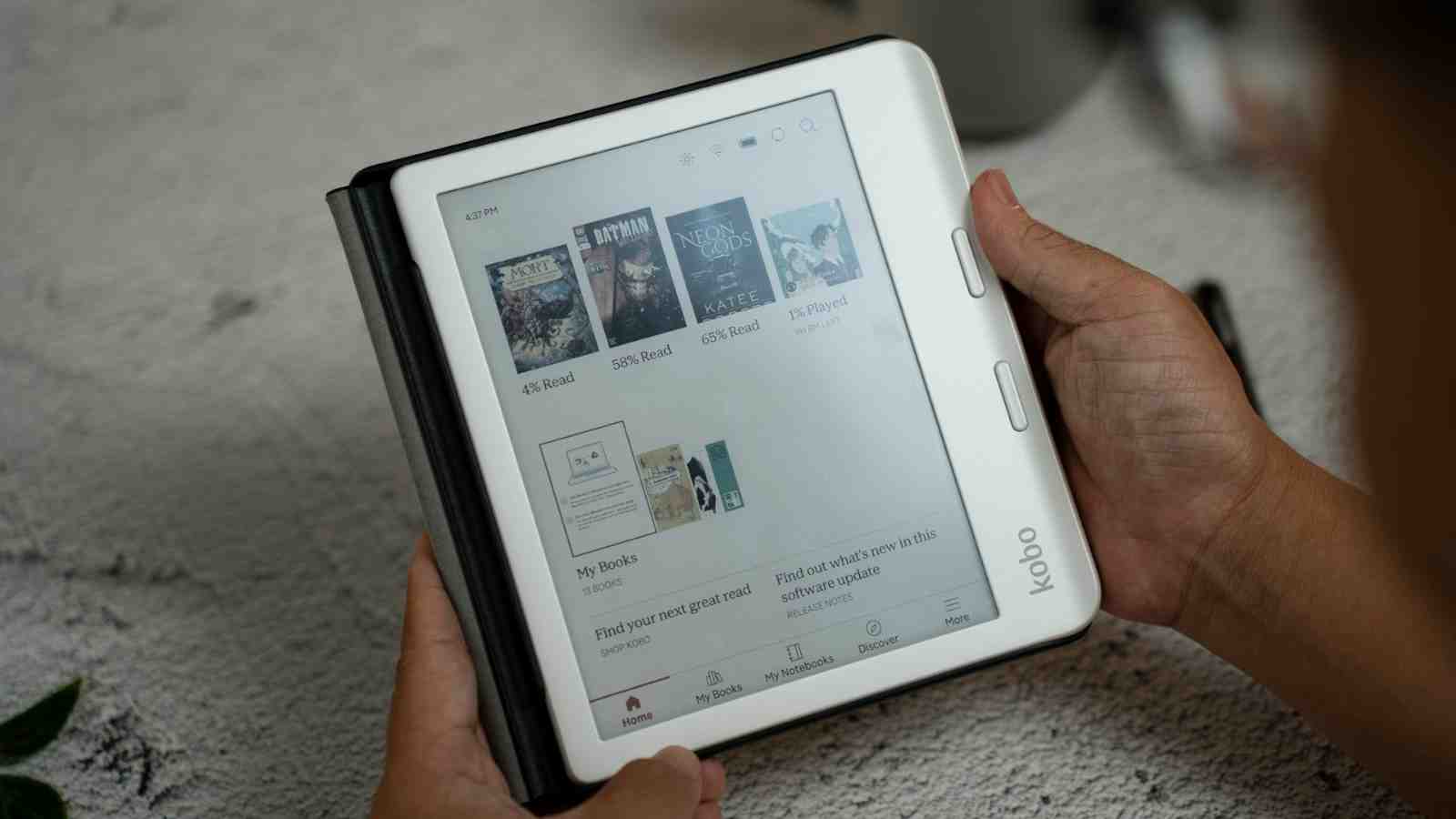
At first glance, it’s easy to assume it might. Many modern devices blur the line between eReaders and tablets, and some even run modified versions of Android.
However, the Kobo Libra Colour is not designed as an open app platform. It does not run on Android and does not include access to Google Play or any other app store.
Because of this, you cannot download or install third-party apps on the device. There’s no way to add external reading apps, social media apps, streaming services, or APK files.
Kobo uses its own custom Linux-based operating system, built specifically to power a focused, distraction-free reading experience.

This design choice is very likely intentional. Kobo eReaders prioritize long battery life, smooth page turns, and a clean interface over flexibility.
Allowing full app installations would increase power consumption, introduce potential performance issues, and shift the device away from its primary purpose: reading. By keeping the system closed, Kobo ensures stability and simplicity.
That doesn’t mean the Libra Colour is limited, of course. It supports purchases from the Kobo Store, allows you to sideload compatible file formats like EPUB and PDF, offers audiobook playback through Bluetooth, and integrates with OverDrive for library borrowing in supported regions.
Alternatives to Kobo: Devices that allow you to download apps

If installing apps is essential to you, there are alternatives worth considering. Android-based E Ink tablets such as the Onyx Boox Nova Air run full Android and provide access to the Google Play Store, allowing you to download Kindle, manga apps, and library apps.
Traditional tablets are another option if versatility matters more than E Ink comfort.
Ultimately, whether this is a drawback depends on what you want from your device. If you’re looking for a streamlined reading tool with color E Ink and minimal distractions, the Kobo Libra Color delivers exactly that.
If you want something that behaves more like a tablet with full app freedom, you’ll need to look beyond traditional eReaders.